
WhatsApp Automation for Business That Works
WhatsApp automation for business helps Qatar teams respond faster, qualify leads, confirm bookings, and keep customer conversations connected to operations daily.
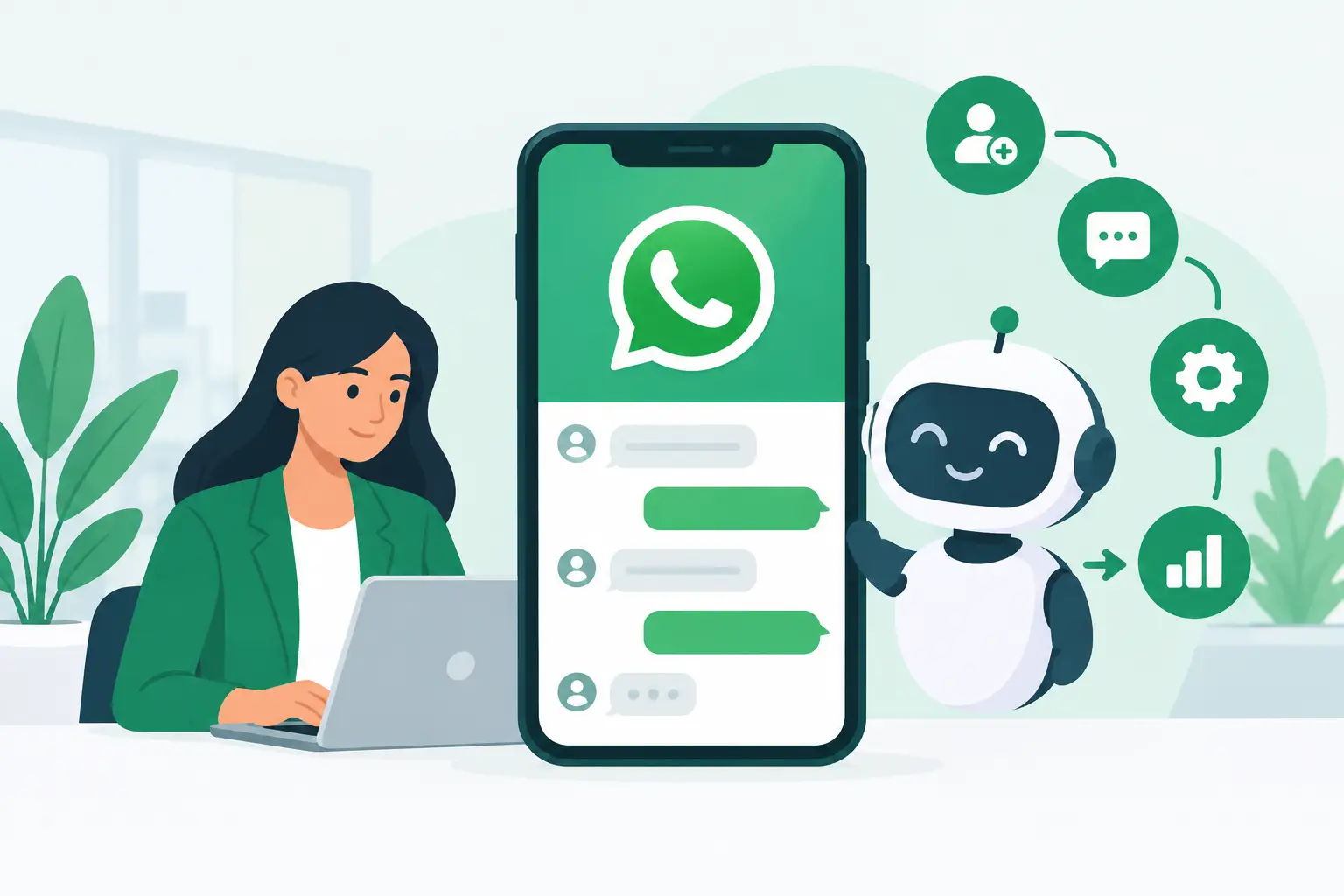
A customer messages your business at 9:40 p.m. asking for a price, an available appointment, or the next step. By morning, that message may be buried beneath dozens of others. WhatsApp automation for business is not about replacing the conversation with a robot. It is about making sure every legitimate inquiry receives the right first response, reaches the right team, and becomes an action your business can track.
For many businesses in Qatar, WhatsApp is already where customers prefer to ask questions and make decisions. The operational problem begins when staff manage those conversations from personal phones, copy details manually into spreadsheets, or rely on memory to follow up. Leads are missed, response quality varies, and customer history disappears when a team member is unavailable.
A well-planned automation setup turns WhatsApp into a managed business channel connected to your bookings, CRM, sales process, and support workflows.
What WhatsApp automation for business should do
The most useful automation does not try to answer every question. It handles repeatable moments well, collects the information your team needs, and brings in a person when judgment is required.
For a home-care provider, that may mean asking for the required service, preferred date, location, and contact details before sending the request to a coordinator. For an automotive workshop, it could guide a customer through vehicle make, model, service type, and preferred booking time. A legal-services firm may use it to identify the service area and schedule an initial consultation without asking a client to repeat the same details by phone.
The result is a clearer path from conversation to outcome. Instead of receiving an unstructured message that says, "I need help," your team receives a qualified request with the details needed to respond properly.
A practical system can support activities such as:
- answering common questions about services, locations, hours, pricing ranges, or requirements;
- capturing lead details and assigning inquiries to the correct sales or operations team;
- confirming appointments, sending reminders, and handling rescheduling requests;
- following up with prospects who requested information but did not book or buy;
- sharing payment instructions, order updates, service-status notifications, or event details; and
- creating or updating records in a CRM, customer portal, operational dashboard, or internal workflow.
The best mix depends on the business. A retailer may prioritize product availability and order updates. A recruitment platform may focus on candidate screening and employer inquiries. A hospitality or events business may need fast group-booking qualification and human handoff for higher-value requests.
Start with the customer journey, not the chatbot
Businesses often begin with a long list of questions they want a bot to answer. That approach can create an experience that feels like a form with extra steps. A better starting point is to map the real customer journey.
Look at the first five minutes after someone sends a message. What are they usually trying to accomplish? What information does your team need before it can act? Which questions are simple enough to automate, and which require a knowledgeable employee?
For example, a service business may find that most new inquiries fall into three paths: request a quote, book a visit, or ask for existing-service support. Those paths can be presented clearly in Arabic and English. Each selection can then collect only the relevant details, rather than making every customer answer the same lengthy sequence.
This is where automation earns its value. It reduces friction for the customer while giving the business structured data at the point it is created. If a customer asks for a quote, their request should not remain only inside a chat thread. It should become a lead record, assigned owner, and follow-up task where appropriate.
Automation needs a human handoff
Customers are generally comfortable with automated replies when the interaction is quick, clear, and useful. They become frustrated when they cannot reach a person for an exception, an urgent problem, or a decision that requires context.
Every workflow should define when the conversation moves to a team member. Common triggers include a customer asking for an agent, selecting a high-value service, reporting a complaint, sending a document, or using words that indicate urgency. The assigned employee should receive the previous conversation and captured information, not start from zero.
Response ownership matters as much as the technology. If automation promises that a specialist will reply within an hour, the business needs a team process to make that happen. A strong system exposes pending conversations, ownership, response times, and unresolved cases in one place.
There is a trade-off here. More automation can reduce routine workload, but overly complex decision trees are harder to maintain and can feel impersonal. Start with the conversations that occur most often and create measurable value. Add sophistication after the basics are performing consistently.
Connect conversations to the systems your team uses
A standalone WhatsApp inbox may improve visibility, but it will not solve fragmented operations on its own. The real advantage comes when conversation data connects to the systems that run the business.
A new inquiry can create a CRM contact and lead automatically. A booking request can check available time slots and create a pending appointment. An order-status question can retrieve the right update from an e-commerce or operational system. A completed conversation can trigger a task for a sales representative or service coordinator.
These connections reduce duplicate data entry and make reporting more reliable. They also give managers a better view of where opportunities slow down. Are leads waiting too long for a callback? Are booking requests arriving outside business hours? Which campaign or service type generates the most qualified inquiries?
For organizations with Arabic and English customer journeys, localization must go beyond translation. Menu choices, message tone, forms, templates, and support routing should make sense in both languages. Internal dashboards should also be practical for the teams using them every day.
Build around approved messaging and customer consent
WhatsApp is a personal communication channel, so businesses need to use it responsibly. Customers should understand why they are being contacted and have a clear way to stop receiving non-essential messages. Promotional follow-ups should be based on valid consent, not on a contact list collected for an unrelated purpose.
Businesses also need an approved messaging process for outbound notifications and campaigns. The exact setup depends on the use case, volume, customer relationship, and the platform rules in effect. Transactional messages such as appointment reminders or order updates are usually easier for customers to welcome than frequent sales messages.
Keep sensitive information out of casual chat whenever possible. If a workflow involves identity documents, health information, financial details, or confidential case material, the system should define what can be collected on WhatsApp and what should move to a secure portal or direct staff process. Automation should improve control, not create new risk.
Measure business outcomes, not message volume
A large number of automated replies does not necessarily mean the system is working. The more useful measures are tied to the customer journey and the commercial process.
Track first-response time, lead-to-booking rate, completed forms, missed inquiries, handoff time, repeat questions, and the number of conversations resolved without manual intervention. For sales teams, compare lead quality and conversion before and after the workflow is introduced. For support teams, look at resolution time and customer satisfaction alongside workload reduction.
Review transcripts regularly in the first few weeks. They reveal where customers choose unexpected options, abandon the flow, or ask questions the system does not cover. Small changes to wording, menu structure, and routing often produce better results than adding more automation.
A sensible way to launch
A phased launch gives the business room to test the customer experience without disrupting daily operations. Begin with one high-volume, well-defined journey, such as new inquiry qualification or appointment confirmations. Connect it to the minimum systems required, establish handoff rules, and train the team responsible for live conversations.
Once that workflow is stable, expand to follow-ups, service requests, payments, order updates, or additional departments. This approach also helps leadership see where custom development is worthwhile. Some businesses need a focused shared inbox and CRM connection. Others need a tailored platform that links WhatsApp to complex booking logic, customer portals, field teams, and operational dashboards.
OcttoApps approaches this work as part of a connected digital product, not as an isolated messaging tool. One team can define the workflow, design the customer journey, build the integrations, and support improvements after launch.
The goal is simple: when a customer sends a message, your business should be ready to do something useful with it. Start with the conversations that currently create the most delays, then build a process your team can own with confidence.