
WhatsApp Appointment Booking Automation That Works
WhatsApp appointment booking automation turns customer chats into confirmed slots, reminders, customer records, and follow-up tasks with less manual work.
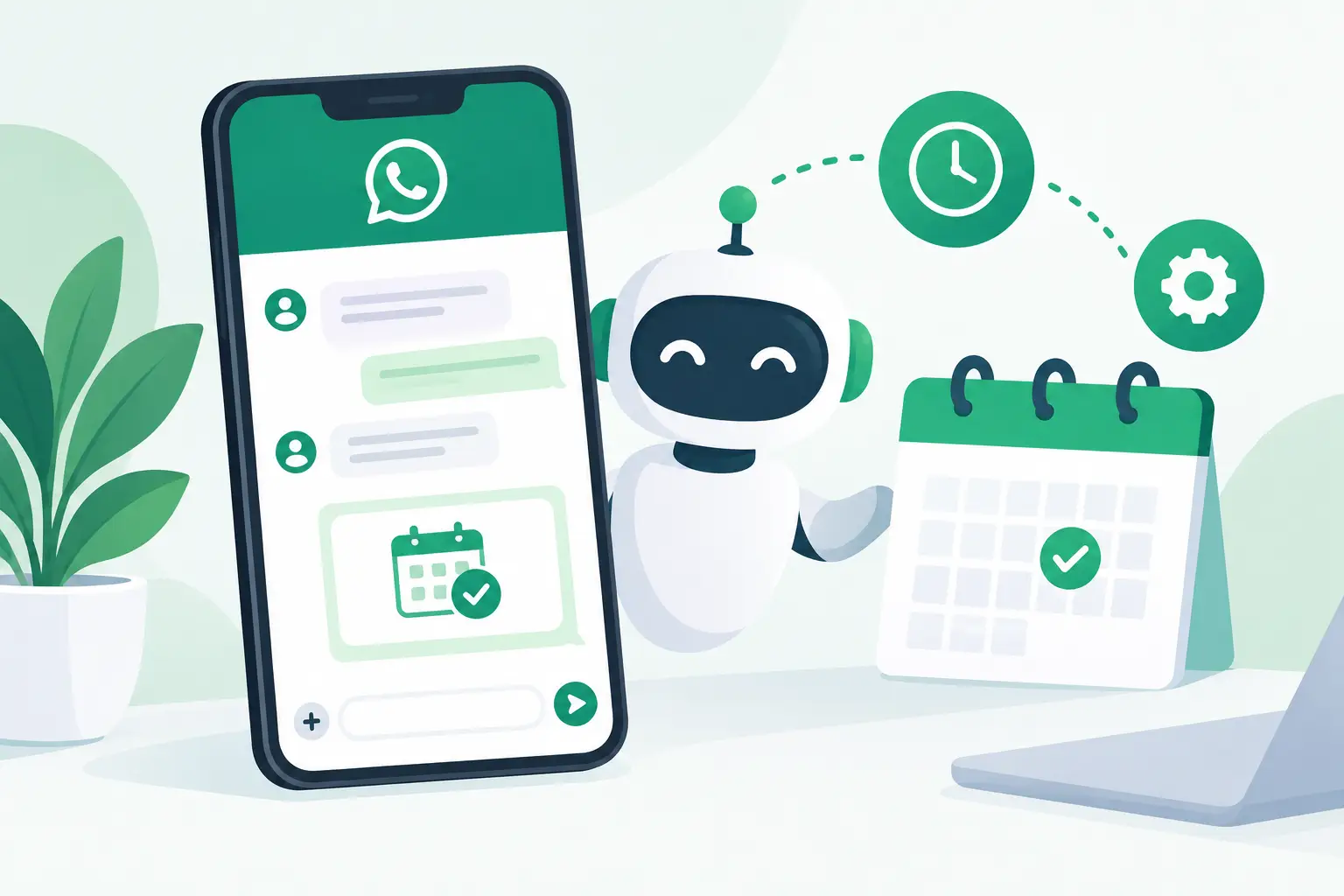
A customer messages your business at 9:40 p.m. asking for the next available appointment. By morning, another team member has replied, the preferred time has gone, and the customer may already be speaking to a competitor. WhatsApp appointment booking automation addresses this familiar gap by turning a simple conversation into a confirmed booking process that can operate beyond business hours.
For service businesses in Qatar, WhatsApp is often where the customer journey begins. It is where people ask about availability, prices, locations, required documents, and urgent appointments. The challenge is not receiving those messages. The challenge is responding consistently, checking real availability, recording customer details, and ensuring the team can act on every confirmed booking.
A well-planned system does not replace the human side of service. It handles the repeatable steps quickly, then brings in a staff member when the request needs judgment, advice, or an exception.
What WhatsApp appointment booking automation should do
The right setup guides a customer from their first message to a confirmed slot without making the exchange feel mechanical. A customer might select a service, choose Arabic or English, share a preferred date, and receive available times. Once they confirm, the system creates the booking in the calendar or operational platform, sends confirmation, and schedules a reminder.
That sounds straightforward, but the details matter. An automotive service center may need the vehicle make, model, registration number, and service type before offering a time. A clinic or home-care provider may need to route requests by location, practitioner, or urgency. A legal-services firm may need to collect a short inquiry without inviting sensitive details into an unstructured chat.
The automation should be built around the business rules that already govern appointments. These commonly include service duration, working hours, staff capacity, branch location, advance-booking limits, blackout dates, cancellation rules, and whether deposits are required.
When these rules are not defined, automation can simply make confusion happen faster. When they are mapped properly, it gives customers faster answers and gives operations teams a reliable view of what has been promised.
Start with the booking journey, not the chatbot
Many businesses begin by asking what kind of chatbot they need. A more useful first question is: what must happen after a customer requests an appointment?
Map the journey from the customer’s perspective. They may arrive from a website button, an Instagram campaign, a QR code at a branch, or an existing customer message. The first reply should identify the intent quickly. Is the person booking, rescheduling, asking a question, or checking an existing appointment?
From there, the conversation needs a clear path. Booking flows should collect only the information needed to offer and reserve a slot. Asking for too much too early creates drop-off. Asking for too little means staff must later chase details through chat.
For most appointment-led businesses, the flow needs four connected outcomes:
- identify the service, location, and preferred language
- show valid availability based on current capacity
- create or update a customer record and booking
- send confirmation, reminders, and any preparation instructions
There should also be a human handoff. If a customer describes an unusual requirement, cannot find a suitable time, or has an existing complaint, the conversation should be assigned to the right person with its context intact. Customers should not have to repeat their issue after the system has already collected it.
Connect WhatsApp to the systems your team uses
A booking confirmation inside WhatsApp is useful. A booking confirmation that never reaches the team calendar is a problem waiting to happen.
This is why the underlying integration is often more valuable than the chat interface itself. A complete setup can connect WhatsApp with a CRM, booking calendar, customer portal, payment process, dispatch board, or custom operational system. The exact combination depends on the business.
A salon with one location may primarily need staff schedules and automated reminders. A multi-branch vehicle-service operator may need service bays, advisor assignments, vehicle history, quotation follow-up, and branch-level reporting. An events business might require capacity checks, deposits, and different booking rules for corporate inquiries.
There is a trade-off between adopting a standard scheduling tool and building a tailored workflow. Standard tools can be faster to launch when the process is simple. Custom software becomes more valuable when appointments depend on specialized rules, multiple departments, customer eligibility, field staff, or data that already exists in other business systems.
The key is to avoid creating another isolated tool. If staff still copy booking details from WhatsApp into spreadsheets, calendars, and customer files, the business has not solved the operational problem. It has only changed where the manual work begins.
Bilingual booking requires more than translation
For businesses serving Arabic- and English-speaking customers, language selection should be part of the experience from the first interaction. This includes prompts, service names, booking confirmations, reminders, cancellation messages, and handoff notes.
Arabic right-to-left presentation also needs careful attention wherever the journey moves beyond WhatsApp, such as a booking page, payment screen, customer portal, or staff dashboard. Directly translated labels can be technically correct while still feeling unfamiliar or unclear to customers.
The same applies to dates, time formats, service terminology, and local expectations. A customer needs to understand whether they are selecting a branch, a specialist, a pickup window, or a fixed service slot. Clear Arabic and English flows reduce abandoned conversations and prevent avoidable calls to the team.
Reminders, payments, and changes are where value compounds
The initial booking is only one part of the appointment lifecycle. No-shows, late cancellations, and forgotten preparation requirements can reduce the value of an otherwise full schedule.
Automated reminders can be sent at sensible intervals, with options to confirm, reschedule, or cancel. The timing should match the service. A quick vehicle inspection may only need a reminder the day before. A consultation that requires documents or payment may need earlier preparation messages.
If deposits are part of the process, the customer should understand whether a slot is held temporarily or confirmed only after payment. This can be handled through a connected payment journey, with the booking status updated automatically once payment is received.
Rescheduling deserves equal attention. A customer who needs another time should not be forced to start from the beginning or wait for a manual reply. If the system can check the same rules used for initial booking, it can offer alternatives while keeping the customer record and appointment history accurate.
Set rules for human oversight and customer data
Automation needs boundaries. Not every inquiry should be answered automatically, and not every customer detail should be collected in chat.
Define which requests can proceed without staff involvement, which require approval, and which should be routed immediately. For example, an AI-assisted WhatsApp workflow can answer common service questions and qualify a booking request, while complaints, medical concerns, contract-specific questions, or high-value corporate inquiries are directed to trained team members.
Customer data should also have a clear destination. A booking flow should record information in the approved CRM or operational platform, with access based on staff roles. Teams need visibility, but they do not need uncontrolled copies of customer conversations across personal devices and informal group chats.
This is particularly relevant for growing businesses. What works when one owner manages every WhatsApp message can become unreliable when several branches, reception staff, sales teams, and field operators are involved.
Measure operational results, not just message volume
A large number of WhatsApp conversations does not automatically mean the system is working. The useful measures are tied to business performance: booking conversion rate, average response time, abandoned booking steps, no-show rate, reschedule volume, staff time spent on manual coordination, and appointments by branch or service category.
These metrics reveal where the journey needs adjustment. If customers abandon the flow after selecting a service, the choices may be unclear. If staff frequently override slots, the availability rules may not reflect real capacity. If no-shows remain high, reminder timing or deposit policy may need review.
Treat the automation as an operational product that improves through real usage, not as a one-time messaging project.
Build for the way your business actually operates
The strongest WhatsApp appointment booking automation is not the one with the most prompts or the most complex AI. It is the one customers can use without friction and teams can trust without checking three separate systems.
OcttoApps approaches this as part of a connected digital operation: the WhatsApp conversation, booking logic, customer records, dashboards, and follow-up workflows are designed around the way the business works. That makes it possible to launch a practical first version, learn from customer behavior, and add capabilities as requirements grow.
Start with the appointment types that create the most manual work or lost opportunities. A focused, well-integrated booking flow can give customers a faster path to service while giving your team the control to deliver on every confirmation.