
Website CRM Integration Services That Improve Follow-Up
Website CRM integration services connect forms, calls, WhatsApp, and sales workflows so Qatar businesses can respond faster and manage every lead well.
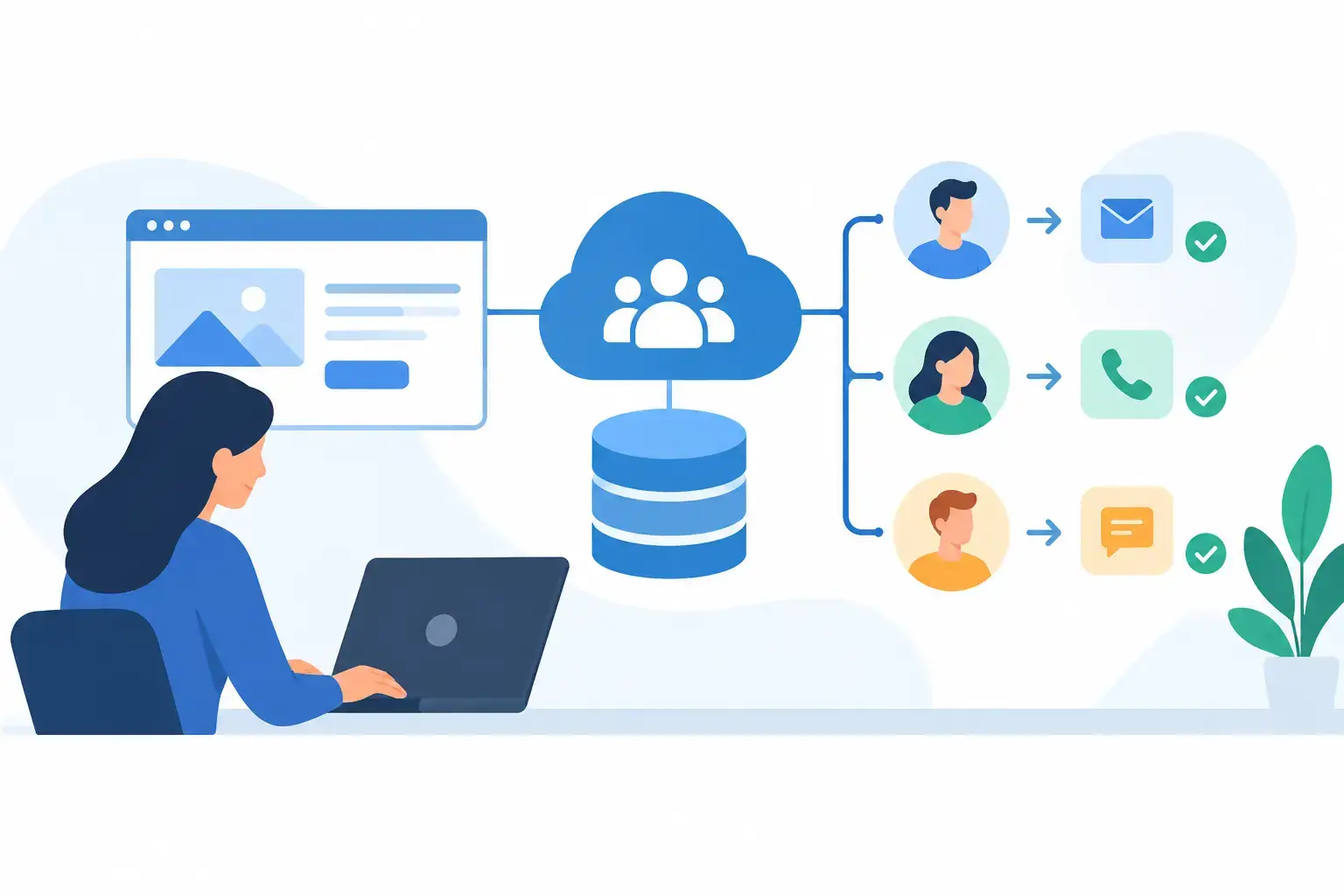
A customer submits an inquiry at 10:30 p.m., sends a WhatsApp message the following morning, and calls your office two days later. If those interactions sit in separate places, your team may treat them as three different people. Website CRM integration services prevent that gap by connecting the website where interest begins with the customer records and follow-up processes that move business forward.
For businesses in Doha, this is often less about adding another software subscription and more about gaining control over everyday work. A well-planned integration gives sales, customer service, and operations teams a shared view of enquiries, bookings, conversations, and next actions. It also gives management clearer visibility into where leads come from, how quickly they receive a response, and where potential revenue is being lost.
What website CRM integration services should solve
A CRM is useful only when it reflects how your business actually handles customers. A website form that sends an email to a general inbox may technically capture leads, but it does not assign ownership, record the source, or make follow-up easy to track. The same issue appears when teams manage inquiries through personal WhatsApp accounts, spreadsheets, or separate booking tools.
Website CRM integration services connect these touchpoints into a practical workflow. When a visitor requests a quote, books an appointment, registers for an event, or asks for a call back, the CRM can create or update a contact record automatically. It can identify the service requested, capture campaign or referral information, notify the right team member, and start an appropriate follow-up task.
The purpose is not to automate every customer interaction. Some enquiries need a fast, personal conversation, especially in legal services, home care, automotive service, recruitment, or high-value B2B sales. The integration should make that conversation better informed and easier to manage, rather than replacing it with generic messages.
The difference between a form connection and a working system
Many businesses assume that connecting a contact form to a CRM completes the job. In practice, that is only the starting point. A working system considers what happens before and after the form is submitted.
Before submission, the website should ask for information that helps the team act. A vehicle service business may need the vehicle make, preferred service, and desired booking date. A recruitment platform may need a job category, location, resume, and candidate availability. Asking for too much can reduce completion rates, so the right balance depends on the service and the stage of the customer journey.
After submission, the CRM needs clear rules. Is the lead assigned by territory, service type, language preference, or availability? Should an urgent inquiry trigger an immediate call task? Does a booking require staff confirmation, payment collection, or a reminder message? If nobody updates the record after the first contact, how is it escalated?
These details determine whether the CRM becomes an operational tool or simply a more expensive address book.
A useful customer record has context
A customer record should show more than a name and phone number. It should tell a team member what the customer wants and what has already happened. Depending on the business, that may include the pages visited, form responses, previous purchases, appointment history, WhatsApp conversations, documents, payment status, and internal notes.
For bilingual businesses, language preference matters as well. Arabic and English experiences should be treated as complete customer journeys, not as a translated website attached to an English-only process. The contact record, automated messages, form fields, and staff workflow should support the language the customer chose.
Automation needs boundaries
Automation can improve response times significantly, but it should be used with care. An automatic confirmation message can reassure a customer that their request was received. A reminder can reduce missed appointments. A follow-up task can prevent a sales lead from being forgotten.
However, automated messages become unhelpful when they repeat information, arrive after a team member has already responded, or push a customer toward the wrong service. Good CRM integration includes status rules that stop or change automation when a real conversation begins.
Common use cases for connected websites and CRMs
The best workflow depends on the commercial model. A retail business may prioritize abandoned-cart follow-up, repeat purchasing, and delivery updates. A service company may focus on quote requests, site visits, and sales pipeline stages. A marketplace may need to match supply and demand while keeping activity visible to its operations team.
Consider a home-care provider. A family member may use the website to request support, select a care type, and share preferred times. The CRM can create a case, flag any urgent requirement, assign it to an intake coordinator, and log every call or message that follows. Once care begins, the same system can support recurring service records and feedback follow-up.
For an automotive operator, a customer might choose a service package online, submit vehicle details, and request a time slot. The CRM can then connect the request with the booking calendar, customer history, service reminders, and staff schedule. The team avoids re-entering information, while the customer avoids explaining the same details more than once.
For a B2B company, the value may be in lead qualification. A website inquiry can be scored based on company size, requested service, budget range, or urgency. This does not mean rejecting lower-priority leads. It means helping the commercial team decide who needs a same-day response, who needs useful information first, and who should enter a longer-term follow-up sequence.
Planning website CRM integration services properly
The strongest projects begin with the current process, not the software menu. Before development begins, map how an inquiry travels from first contact to a completed sale, booking, or service request. Include the people involved, the information they need, the systems they already use, and the points where work is delayed or duplicated.
A practical planning discussion should answer four questions:
- Which website actions should create or update CRM records?
- What information must be captured at each step, and what can be requested later?
- Who owns each new lead or customer request, and when should it be escalated?
- Which messages, reminders, or internal notifications should happen automatically?
It is also worth deciding what should not be integrated in the first release. Connecting every historical system at once can delay a project and create unnecessary complexity. A focused first phase may cover website forms, lead assignment, WhatsApp notifications, and a sales pipeline. Booking, payment, ERP, or customer portal connections can follow once the core process is working reliably.
Choosing between a standard CRM and custom development
A standard CRM can be the right choice when your business process is close to common sales, support, or marketing workflows. It can reduce implementation time and give teams familiar reporting and activity management tools. The trade-off is that your process may need to adapt to the platform's structure.
Custom CRM development is more appropriate when the business operates around specialized cases, service plans, approvals, role-based dashboards, field teams, complex matching, or industry-specific records. It gives greater control over the experience, but it requires disciplined scope definition and a clear plan for ongoing support.
There is also a middle ground. Many businesses use an established CRM as the central record of customer activity while building a custom website, customer portal, mobile app, or operations dashboard around it. This approach can work well when the public experience and internal workflows need to be tailored, but the organization does not need to recreate every CRM function from scratch.
The right decision depends on how much of your competitive advantage sits in the workflow itself. If your process is simple and proven, configuration may be enough. If the process is central to how you price, schedule, qualify, deliver, or retain customers, custom work may create more lasting value.
Delivery should include the people who use the system
CRM integration is not finished when data reaches a database. Teams need clear fields, sensible stages, helpful dashboards, and training that reflects their daily work. A sales manager should be able to see overdue follow-ups without building a report from scratch. A customer service team should know the latest customer status before replying. Leadership should be able to review lead sources and conversion patterns without collecting numbers from multiple spreadsheets.
Testing should cover real situations, including duplicate submissions, incomplete forms, Arabic and English inputs, reassigned staff, canceled bookings, and customers who contact the business through more than one channel. These are the cases that reveal whether the system supports real operations.
At OcttoApps, the goal is to build connected digital products around the way a business serves customers, with one team from the first idea to launch and support. That means the website, CRM workflow, automation, and ongoing improvements can be planned as one working system rather than separate projects handed between vendors.
A good integration gives your team fewer places to look and customers fewer reasons to repeat themselves. Start with the handoff that causes the most missed opportunities, then build a process your people can use confidently every day.