
Mobile Applications That Move Business Forward
How purpose-built mobile applications improve bookings, payments, customer service and team visibility.
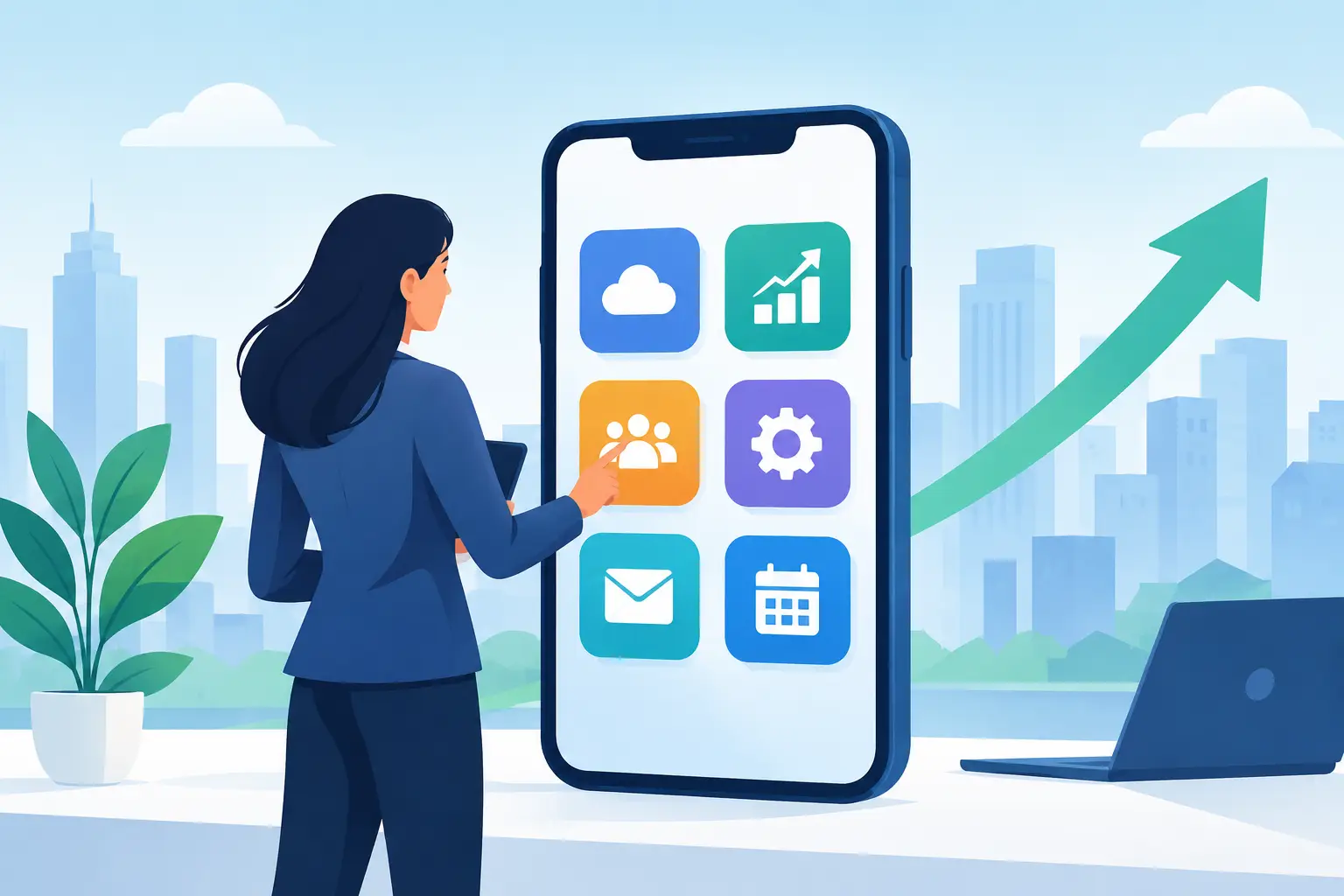
A customer wants to book a service while waiting in traffic, check an order after business hours, or send a question on WhatsApp and receive a useful answer quickly. Those small moments shape whether they choose a business, return to it, and recommend it. Mobile applications give businesses a direct, practical way to serve customers in those moments while giving internal teams better control of the work behind them.
For businesses in Doha and across Qatar, the strongest app is rarely the one with the most features. It is the one that removes friction from a valuable customer action and connects that action to the people, records, payments, and follow-up processes needed to deliver the service properly.
When Mobile Applications Make Business Sense
An app is a business tool, not a replacement for every digital channel. A well-designed website is often the right starting point for reaching new customers through search, explaining services, and collecting inquiries. A mobile app becomes more compelling when customers have a reason to return regularly or when a service requires an account, live status, saved preferences, or repeat transactions.
Consider a vehicle-service business. A customer may use the app to choose a service, reserve a time, approve additional work, pay an invoice, and receive a reminder for the next visit. The operations team can see the booking, assign it, update its status, and access the customer’s service history from one connected system. The value is not simply having an app icon on a phone. It is reducing missed calls, repeated data entry, and uncertainty on both sides.
Mobile applications are particularly useful when a business needs to support repeat bookings, memberships, order tracking, loyalty programs, marketplace activity, field-service coordination, or secure customer self-service. They can also work well for staff-facing needs, such as inspection checklists, job assignments, inventory updates, approvals, and access to customer records while away from a desk.
The decision depends on customer behavior. If most customers make one major purchase every few years, a fast mobile website may create more value than a dedicated app. If customers book, buy, track, communicate, or manage an account every month or week, an app can become a meaningful part of the customer relationship.
Start With the Business Workflow, Not the Screens
A common mistake is to begin with a list of screens: home page, login, profile, cart, and notifications. These are familiar app components, but they do not define what the product needs to achieve. The better starting point is the workflow that currently costs time, loses opportunities, or frustrates customers.
For example, a home-care provider may need to reduce the time between an inquiry and a confirmed appointment. That workflow could begin with an app inquiry, continue through eligibility questions and preferred schedules, then create a lead for the care coordinator. After confirmation, it can generate a service record, notify the relevant team, and give the family access to visit updates. Each step has a business purpose, an accountable person, and a clear status.
Before design and development begin, decision-makers should define the actions that matter most. Is the priority to increase completed bookings, collect payments faster, make reordering easier, reduce WhatsApp follow-up, or give customers visibility into a request? A focused first release usually performs better than a broad app that tries to solve every issue at once.
It is also worth deciding what should happen outside the app. A mobile experience may need to pass leads to a CRM, send appointment reminders through WhatsApp, connect to payment services, or update an internal operations dashboard. Without these connections, an app can create another inbox and another manual process instead of improving the business.
Design for Customers and the Team Serving Them
Customer-facing simplicity requires operational discipline. A customer should be able to register, find the right service, make a request, and understand what happens next without needing instructions. At the same time, the team needs enough information to act quickly and correctly.
That means the app should be designed alongside the back-office tools that support it. A booking confirmation is more useful when it creates a clear assignment. An order-status screen is more trustworthy when updates come from the actual fulfillment process. A customer profile is more valuable when staff can see relevant history, preferences, and prior conversations in one place.
For Qatar-based businesses, language design deserves early attention rather than a late translation step. Arabic and English experiences need more than swapped text. Right-to-left layouts, typography, form behavior, content length, terminology, and customer expectations all affect usability. A bilingual app should feel intentionally designed in both languages, not adapted after the primary experience is complete.
Accessibility and performance also matter. Customers may use older devices, limited mobile data, or one hand while moving between appointments. Clear labels, readable type, sensible error messages, and fast-loading key screens are practical requirements. They are often more important than visual effects that add little value.
Build the Right First Version
The first version of an app should prove a business case. It does not need every planned feature, but it must complete the core journey reliably. For a retailer, that may mean product discovery, checkout, delivery updates, and customer support. For a recruitment platform, it may mean candidate registration, job search, applications, document uploads, and employer-side review.
A useful scope separates essential actions from future enhancements. Essential actions are those required to complete the customer journey or operate the service safely. Enhancements may include advanced personalization, referral programs, detailed reporting, additional integrations, or expanded loyalty features. These can be planned, but they should not delay the launch of a product that already solves a clear problem.
Technical choices should support the operating model as well. Some businesses need separate iOS and Android applications with platform-specific capabilities. Others benefit from a shared approach that delivers a consistent experience across both platforms. The right choice depends on the app’s complexity, performance needs, budget, release plans, and integration requirements. There is no universal answer, which is why early technical planning should be tied to commercial priorities.
Security must be included from the beginning, especially when an app handles payments, personal documents, health-related information, addresses, or account data. Secure authentication, appropriate access permissions, protected data handling, and a clear process for updates are part of responsible delivery, not optional additions after launch.
Launch Is the Start of Product Work
Publishing an app is a milestone, not the finish line. Real customers will show where they pause, abandon a request, ask for help, or use a feature differently than expected. Operational teams will identify fields they do not need, notifications that arrive too late, and processes that still require manual work.
The most useful post-launch plan tracks a small set of business measures. These may include completed bookings, payment completion, repeat orders, response times, service-request resolution, or the percentage of inquiries that become qualified leads. The best measures depend on the business model, but they should connect directly to the reason the app was commissioned.
Ongoing support also protects the investment. Mobile operating systems change, customer expectations move quickly, and businesses introduce new services or policies. Regular maintenance keeps the app compatible and secure, while planned releases allow the product to improve without disrupting day-to-day operations.
A single team that understands the customer app, website, CRM, operational dashboard, and automation workflows can make those improvements with greater context. At OcttoApps, this connected approach helps businesses avoid treating the app as an isolated project and instead build a digital system around the way their teams actually work.
A Better Question Than “Do We Need an App?”
The more useful question is: which customer or team action would become easier, faster, and more reliable with a mobile experience? The answer may point to bookings, order management, account self-service, field operations, or a customer portal. It may also reveal that a website, CRM improvement, or WhatsApp automation should come first.
That clarity is valuable either way. The right mobile product earns its place by helping customers take action and helping teams deliver on what was promised. Start with the journey that matters most, build it around the real workflow, and leave room for the product to grow as the business learns.