
Customer Portal Development That Drives Service
Customer portal development gives Qatar businesses one place for bookings, payments, records, and support, with Arabic and English experiences built in.
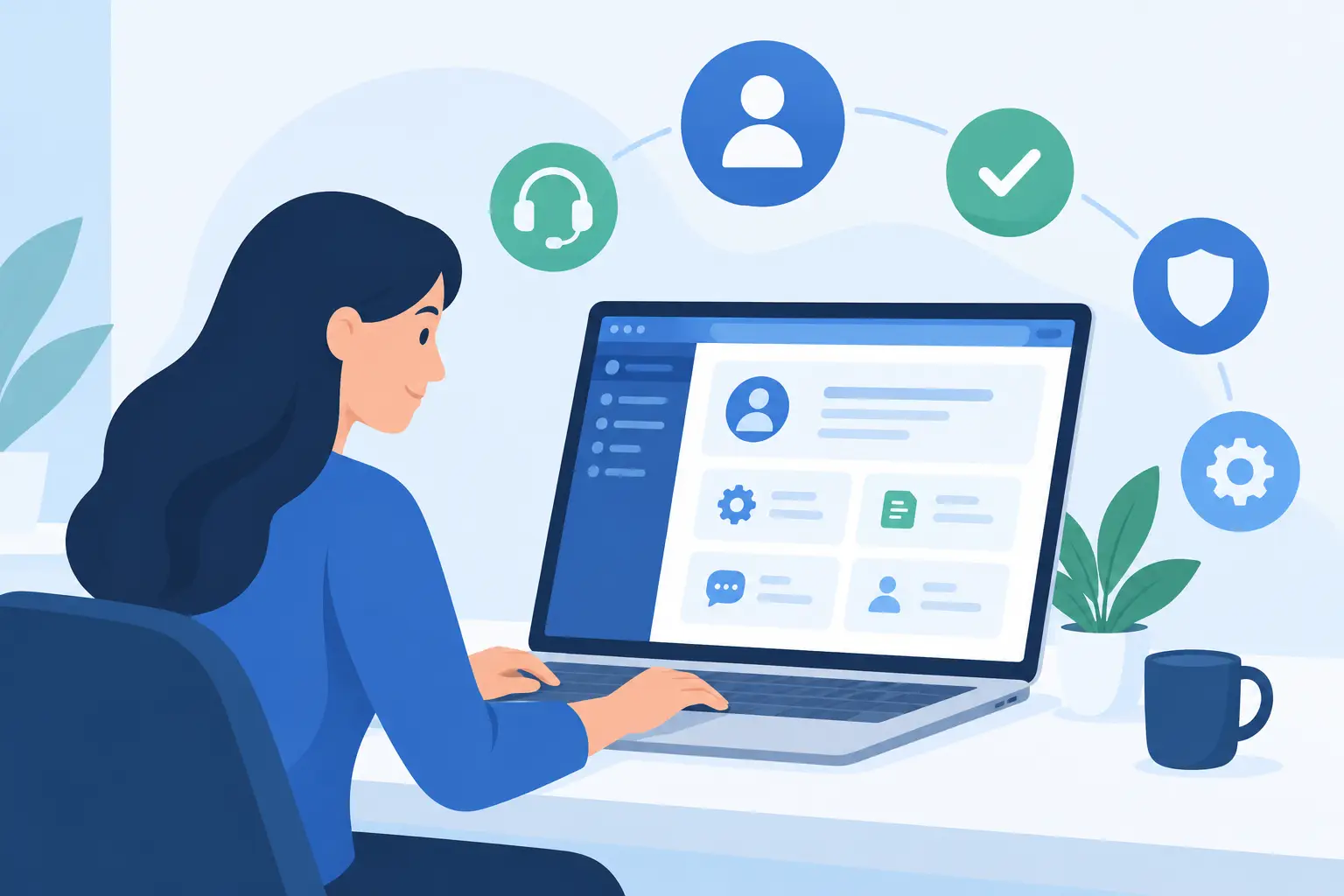
A customer who has to call for an invoice, message WhatsApp for an update, and wait for an email to confirm a booking is doing work your business should handle. Customer portal development brings those routine interactions into one secure, branded place, giving customers more control while giving your team a clearer view of what needs attention.
For businesses in Doha and across Qatar, the opportunity is not simply to add a login page. A well-planned portal can connect customer records, service requests, payments, bookings, documents, and support conversations to the operational systems your team already uses. The result is a better customer experience and fewer manual handoffs behind the scenes.
What a customer portal should do for your business
A customer portal is a secure online area where clients can access services and information relevant to their relationship with your company. Depending on the business model, that may mean viewing an order history, managing appointments, submitting documents, tracking a case, paying an outstanding balance, or opening a support request.
The best portals remove friction from high-frequency tasks. A home-care customer might manage visit schedules and invoices. A vehicle-service customer may request an appointment, approve a quotation, and follow the status of a repair. A recruitment platform can allow candidates to update profiles and monitor applications, while employers review shortlisted candidates and manage vacancy information.
These are not cosmetic improvements. They reduce calls and repetitive messages, make service status more visible, and give staff structured information rather than incomplete messages spread across inboxes. When a customer updates an address, uploads a document, or approves a quote in the portal, the right team can see that action without chasing for details.
Customer portal development starts with the workflow
Many portal projects go wrong because the conversation begins with screens instead of processes. Before choosing features, define what happens today when a customer wants to complete a task. Who receives the request? What information is required? Which approvals, notifications, or system updates follow? Where do delays occur?
That discovery work identifies the most valuable first release. For one organization, the priority may be online payments and invoice access. For another, it may be service bookings, status updates, and document collection. Trying to reproduce every internal process in a customer-facing portal from day one can create an expensive, confusing product. A focused first version is often more useful, provided it is designed to grow.
A practical scope normally distinguishes between customer actions and internal actions. Customers need simple language, clear next steps, and only the information relevant to them. Your operations team may need dashboards, alerts, assignment rules, internal notes, and reporting. Both sides should be planned together because a portal is only effective when an online request reaches the right person and moves through the business reliably.
Start with the moments that create pressure
Look at the interactions that repeatedly generate calls, WhatsApp messages, spreadsheet updates, or follow-up emails. Common candidates include:
- booking, rescheduling, or canceling services
- reviewing quotations and approving work
- accessing invoices, receipts, contracts, or reports
- submitting forms, service requests, and supporting documents
- checking delivery, case, repair, or application status
- updating contact details, preferences, and account information
Not every item belongs in the first launch. Prioritize the actions that matter most to customers and consume the most staff time. A portal should solve a visible business problem, not become a large digital filing cabinet.
Build the customer journey, not just the dashboard
Portal users rarely think in terms of modules. They think, “Where is my booking?” or “How do I pay this invoice?” The navigation, labels, and notifications should reflect those questions. A service customer should not need to understand your internal departments to find an appointment or submit a request.
A good experience also makes status understandable. Instead of showing an internal label such as “Stage 3 pending,” explain what the customer can expect: “Your documents are under review” or “Your vehicle is ready for collection.” Where action is required, say exactly what is needed and by when.
Mobile use deserves the same attention. In many service businesses, customers will open the portal from a phone after receiving a WhatsApp message, SMS, or email notification. Payment pages, document uploads, forms, and appointment choices must work comfortably on smaller screens. If the experience is difficult on mobile, customers will return to calling your team.
For Qatar-based organizations, bilingual delivery should be part of product design from the start, not a late translation task. Arabic right-to-left layouts affect navigation, alignment, forms, date presentation, and the space needed for interface text. Arabic and English content also need equal clarity. Building both experiences into the design and testing process prevents an uneven portal where one language feels like an afterthought.
Connect the portal to the systems that run the work
A standalone portal can display information, but a connected portal can improve operations. Integrations are what allow a booking to reach a scheduling system, a payment to update an account balance, or a submitted request to create a case for the right team.
The right connections depend on the business. A retailer may connect inventory, orders, and payment services. A legal-services firm may need secure document exchange, case milestones, and controlled communication. An events business may combine registrations, ticket information, attendee updates, and payments. A portal can also connect with a CRM so sales and service teams see a complete customer history instead of separate records.
Integration requires judgment. Connecting every available platform can increase cost and create dependencies that are difficult to maintain. In some cases, a scheduled data sync is appropriate. In others, real-time updates are essential, such as appointment availability or payment confirmation. The decision should follow the operational risk of delayed or incorrect information.
WhatsApp can be especially effective when it supports, rather than replaces, the portal. A customer can receive a reminder to complete a payment, upload a missing document, or confirm an appointment, then open the relevant portal page to finish the task securely. Teams retain a structured record of the action, while customers use a channel they already know.
Security and access are part of the customer experience
When customers can see invoices, service history, personal details, contracts, or case information, access control cannot be an afterthought. The portal should verify identity appropriately, protect data in transit and at rest, and ensure users only see records they are authorized to access.
This does not mean every portal needs the same level of complexity. A simple booking portal and a portal handling sensitive files have different risk profiles. The key is to make deliberate choices about registration, password policies, account recovery, staff permissions, audit trails, and document access.
Clear privacy messaging also builds confidence. Customers should understand what information is being collected, why it is needed, and how they can manage their account. Avoid asking for data that has no clear role in the service. Less unnecessary data means a simpler experience and a lower operational burden.
Plan for launch as an operational change
A portal launch changes how customers contact you and how employees handle requests. That requires more than publishing software. Staff need to know what the portal can do, how to respond when a customer needs help, and where exceptions should be managed. Existing customers may need a simple invitation and a clear reason to register.
Measure adoption after launch. Useful signals include the percentage of active customers who register, the number of payments or bookings completed online, requests resolved without calls, average response times, and common points where users abandon a process. These measures show whether the portal is genuinely reducing friction or simply adding another channel.
Ongoing improvement matters because customer behavior and internal processes change. New services, payment rules, reporting needs, and integrations may emerge after the first release. Working with one team from discovery through launch and support helps keep those changes connected to the original business goals. At OcttoApps, that means treating the portal as part of a wider digital system, not a disconnected project.
A customer portal earns its place when customers can complete a useful task with confidence and your team receives cleaner, more actionable information. Start with the service moments that matter most, build around real workflows, and leave room for the platform to develop alongside your business.